pcr start
Run the prompt watcher
pcr start                # default TUI
pcr start --verbose      # log every diff/session/scan event
pcr start --plain        # line output (good for CI / agents)
Foreground watcher that listens to Cursor, Claude Code, and VS Code Copilot session files. Each new user prompt becomes a local draft you can later bundle and push. Press q (or Ctrl-C) to stop.
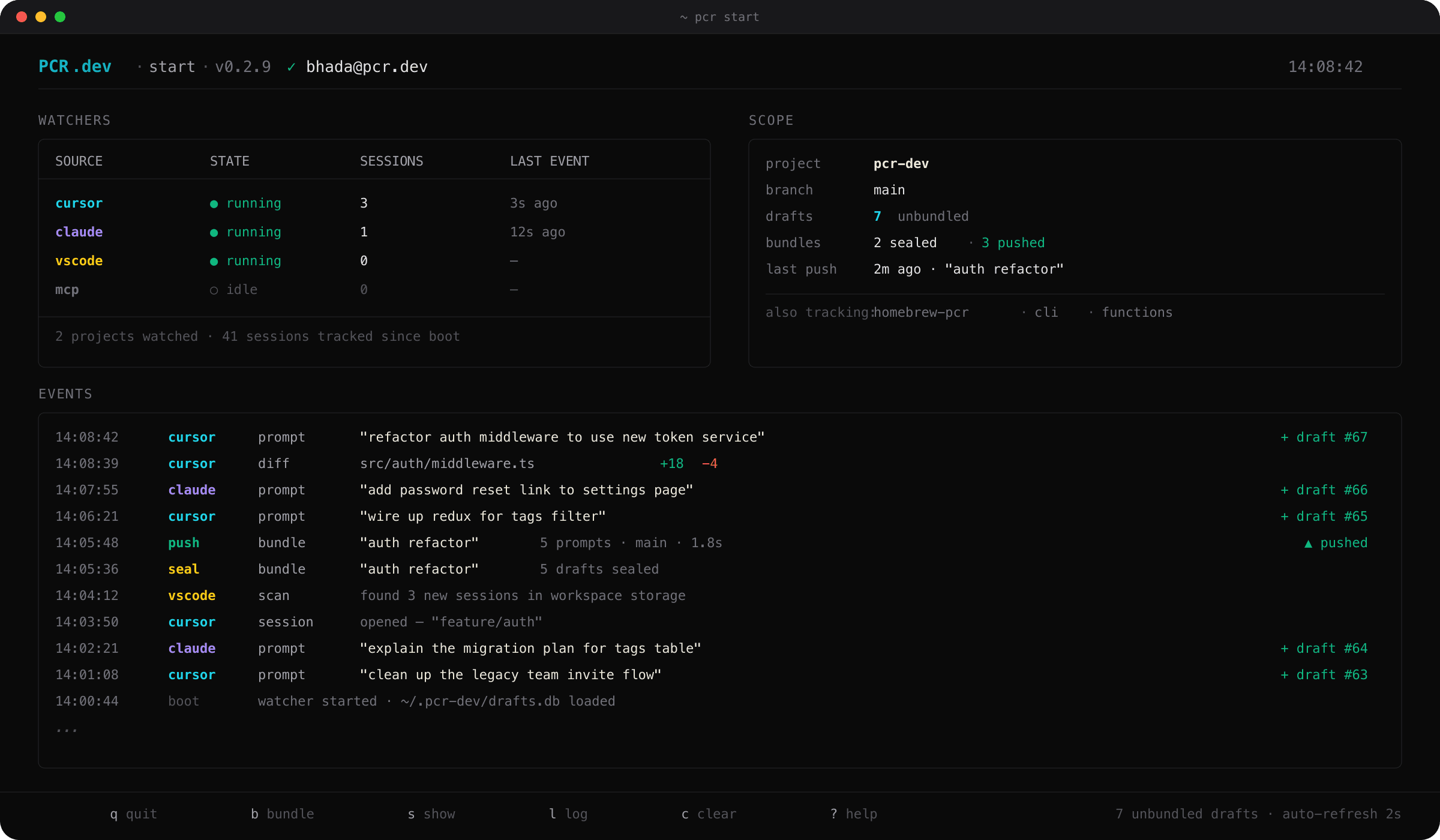
pcr start — the live watcher dashboardWhat it watches
| Tool | Source |
|---|---|
| Cursor | agent-transcript JSONL files plus the Cursor SQLite session store |
| Claude Code | session JSONL files under ~/.claude/projects/ |
| VS Code Copilot | Copilot session files under workspace storage |
Project filtering
Only sessions whose slug matches a project registered with pcr init are captured. Everything else is silently skipped.
Running in the background
# Background with nohup
nohup pcr start > ~/.pcr-dev/watcher.log 2>&1 &

# Or auto-start in your shell profile
echo 'pcr start --plain &' >> ~/.zshrc
✦
On a typical multi-project setup, the watcher uses a few percent of one CPU core in steady state. See Watcher performance for details.
State files
Per-source state lives under ~/.pcr-dev/: drafts.db (SQLite store of every captured draft and bundle), plus per-watcher offset files so prompts are never double-inserted across restarts.