Keybindings
Every key the draft browser responds to
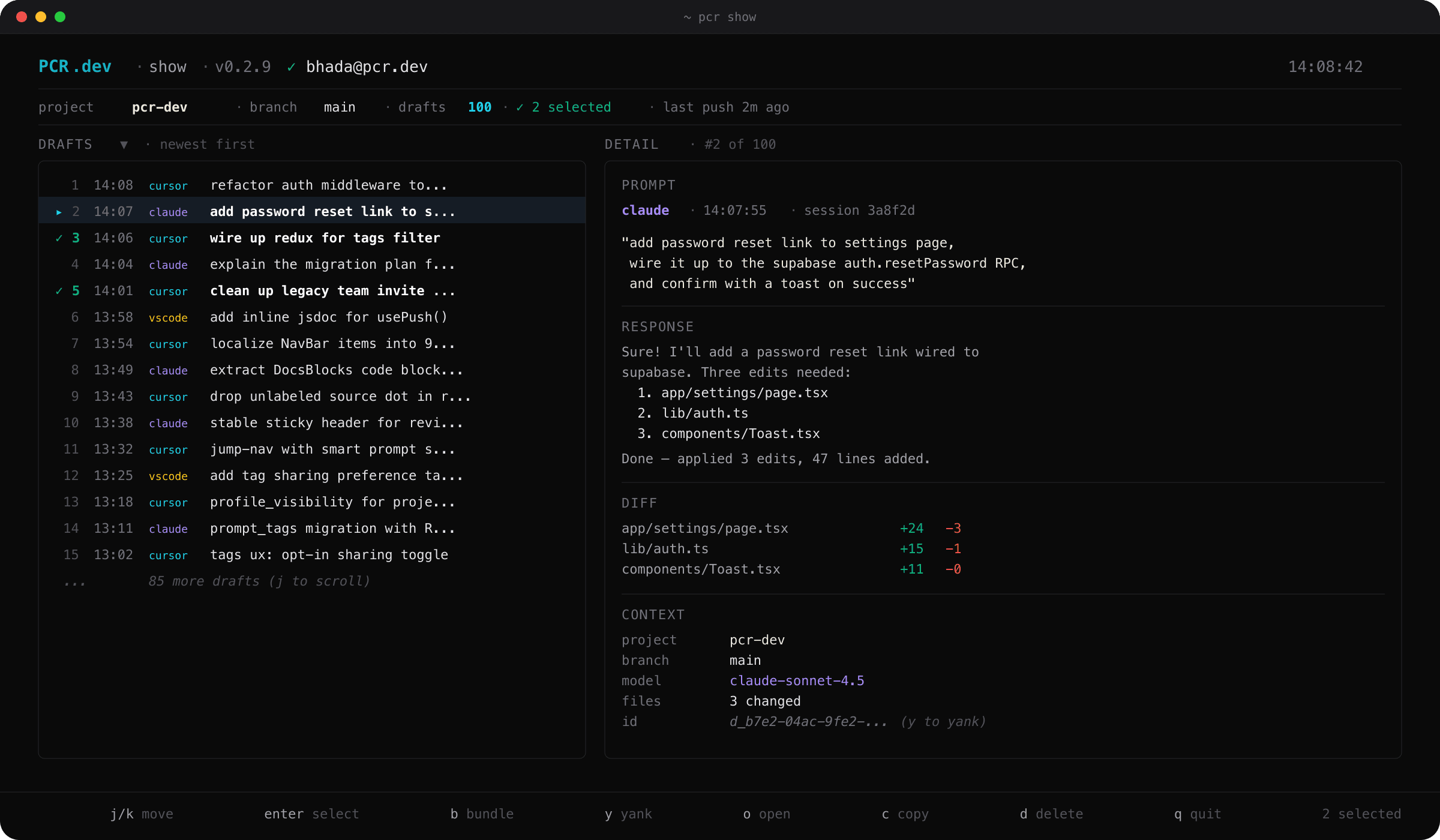
Navigation
| Key | Action |
|---|---|
j / ↓ | Move focus down one row |
k / ↑ | Move focus up one row |
g / Home | Jump to the first draft |
G / End | Jump to the last draft |
ℹ
The focus is biased toward the vertical center of the viewport so you always see context above and below the row you're on.
Selection
| Key | Action |
|---|---|
enter / space | Toggle selection on the focused draft, then auto-advance |
J (Shift+j) | Toggle, then move down — useful for painting downward runs |
K (Shift+k) | Toggle, then move up — useful for painting upward runs |
a | Select all visible drafts (or clear all if anything is selected) |
: | Open a range prompt — type 1-5,8,12-15 or all to select by number |
✦
Auto-advance follows your last navigation direction. If you scrolled up with k and then hit enter, the cursor keeps moving up — it doesn't bounce back down past the row you just marked.
Bundle and push
| Key | Action |
|---|---|
b | Open the bundle name prompt — bundles the current selection (or focused row if nothing's marked) |
p *(after bundle)* | Quit the TUI and run pcr push. Only live during the post-bundle confirmation flash. |
v0.2.9 additions
| Key | Action |
|---|---|
y | Yank the focused draft id (or bundle id, in the bundles pane) to the system clipboard |
o | Open the focused bundle's review URL on PCR.dev — or the focused draft's project page — in your default browser |
✦
Pair y with pcr pull <id> on another machine to teleport a teammate's bundle into your local drafts.
Other
| Key | Action |
|---|---|
c | Copy the focused prompt body to the system clipboard |
d | Delete the focused draft from the local store |
? | Show the inline help banner with every key |
q / Esc | Quit the TUI |
Inside the bundle / range prompt
| Key | Action |
|---|---|
enter | Confirm — create the bundle, or apply the range selection |
esc | Cancel and return to the list |
q | Cancel — only when the input buffer is empty (otherwise treated as a literal q) |
ctrl-u | Clear the input line |
backspace | Delete the last character |